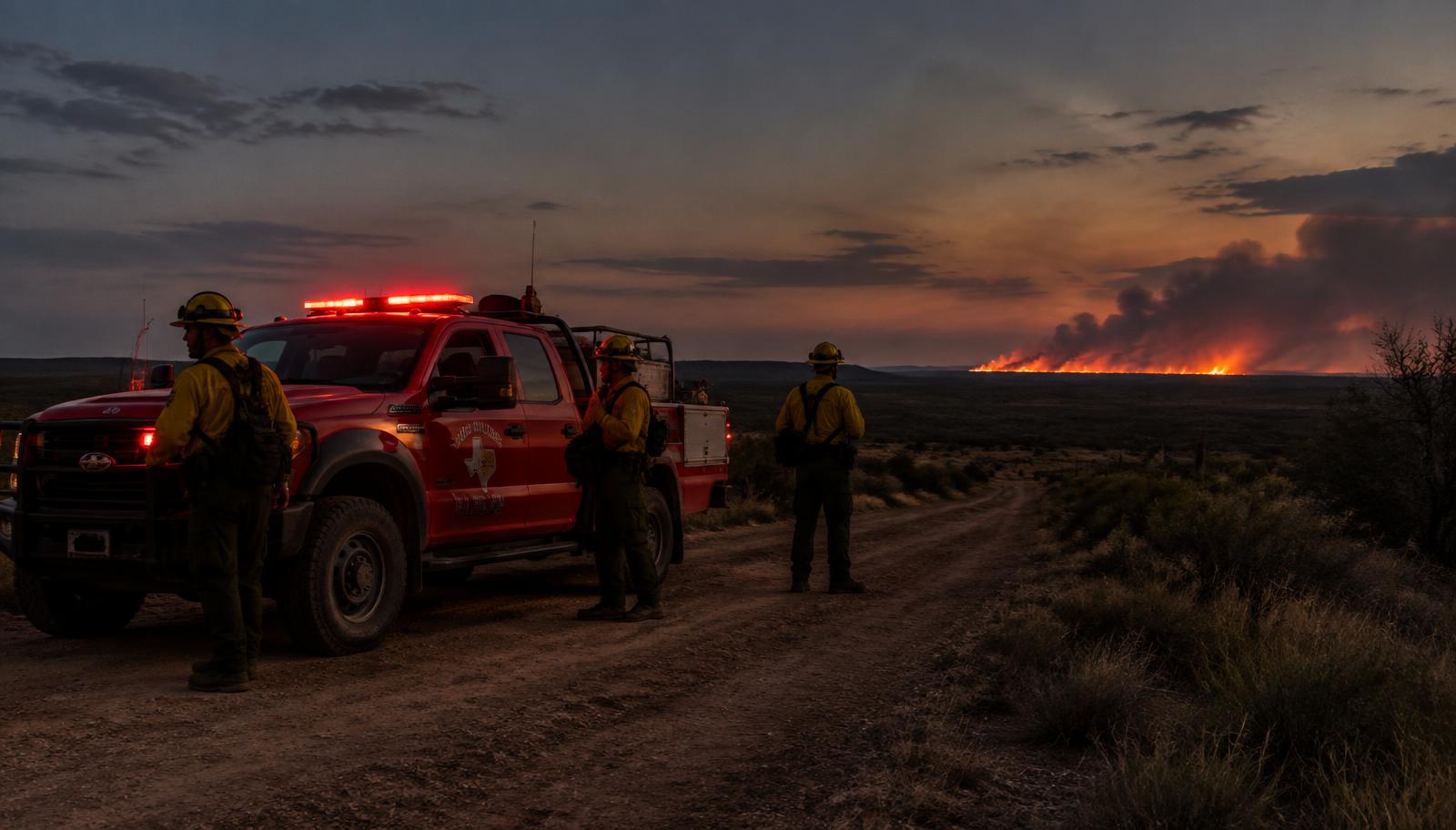
Structural, Wildland and All-Hazard Responses
Paperwork done from the tailboard.
IFlowICS puts the full ICS form library, vehicle inspections, dispatch, command boards and crew alerts on the phone in your pocket — built for gloved thumbs and dead zones.
See it in 20 seconds
Watch the walkthrough.
Two programs, one login
Built for the fireground and the fence line.
Municipal & Wildland
- Full ICS form library with official FEMA PDF downloads
- Pre-departure and return vehicle inspections
- TIFMAS-ready check-in, demob and travel vouchers
- Live command boards, crew updates and certifications
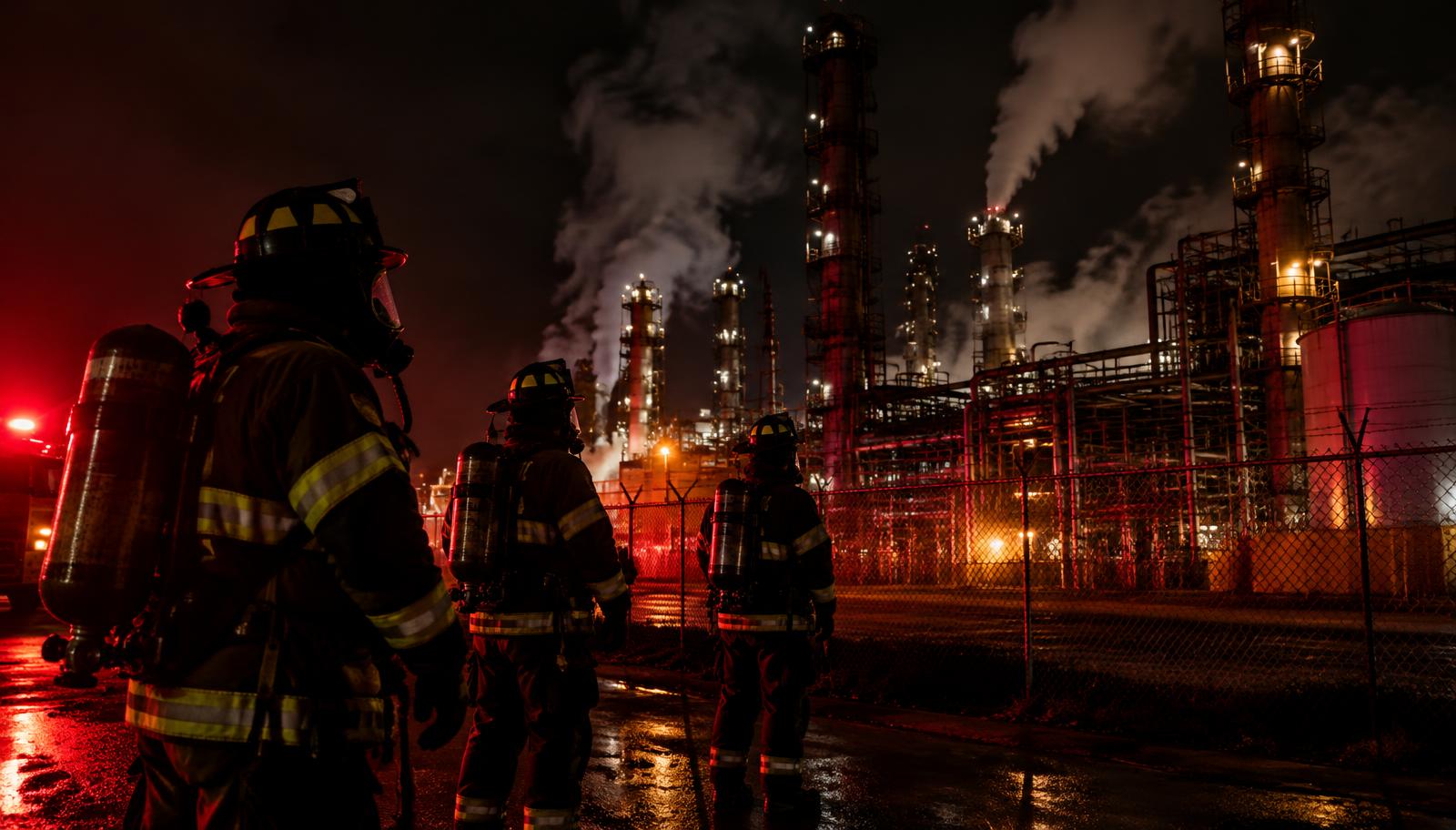
Industrial & HazMat
- HazMat-specific forms: site safety, entry/backup, air monitoring, foam
- ERG and chemical lookup built in — no separate app
- Gas readings and monitor locations plotted on the command board
- Alert groups for entry teams, decon and safety officers
What your department gets
Everything the incident needs, in one place.
The full ICS library
ICS 201 through 225 — 213 general message, 214 activity log, 225 org chart, check-in, demob and more. Simplified field versions, official FEMA PDF downloads.
Vehicle inspections
Pre-departure and return-home walk-arounds with defect notes and photos, so every rig leaves and comes home documented.
Live command board
A satellite map of the incident with apparatus, assignments, tactical symbols and an org chart your whole department sees update in real time.
CAD dispatch inbox
Connect Responder360 or your CAD feed. Calls land in one inbox — a supervisor accepts and the incident folder and command board are ready before wheels roll.
Text alerts to crews
Alert groups like Commanders, Responders and Entry teams get the call on their phones the moment an incident opens.
Works without signal
Fill forms, save notes and photos with no bars. Everything sends itself the moment the crew regains signal.
Crew updates & roster
Department-wide posts with photos, everyone's phone numbers, positions and NWCG certifications at a glance.
PDF & email handoff
Finished forms download as the official FEMA layouts or go straight to your officer, department or TICC by email.
Locked to your department
Every form, photo, incident folder and command board is private to your department — enforced in the database, not just on screen.
How it works
On the rig before the rig is rolling.
Sign in your department
Your roster, certifications and program access are set up by your department — no personal accounts floating around.
Work the incident
Take the CAD call, open the incident folder, run the command board, fill forms from the tailboard — even offline.
File it and move on
Everything drops into the incident folder as official PDFs your officers, auditors and TICC can use.
Qualifications you can prove
Track every member's NWCG wildland certifications — positions, expiration dates and renewal warnings — so task books and mobilization rosters write themselves.
Department pricing
Priced per department, not per fire.
One flat rate covers your whole roster — municipal, wildland, industrial or both programs. Pay by card or Net 30 invoice against a purchase order. We'll quote your department directly.
Contact David Nowetner for pricing and department setup.
Your next call starts here.
Sign in and put the paperwork back where it belongs — in the rig, not the station.